A mixtape, without the plastic
burn cd
Make a mixtape for someone.
Search for songs, preview each track, burn a virtual CD, write a personal note, and send the finished mix to someone you care about.
Free to make No sign-up 30-second previews
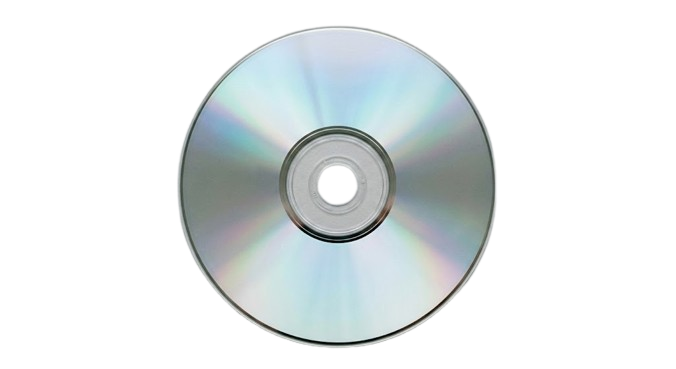
01 / HOW IT WORKS
Pick. Burn. Send.
A playlist link is convenient. A CD feels made. Burn CD turns choosing a few songs into a tiny ritual again.
STEP 1
Pick the songs
Search for the tracks that belong together: the late drive song, the one you both overplayed, or the one you hope they hear at exactly the right moment. Preview each track, add it to the disc, and set the order.
STEP 2
Burn the CD
Start the old-school wizard and watch each track write to the disc. It only takes a moment, but that moment is part of the point. A mixtape should feel made, not generated.
STEP 3
Send it to someone
Put the finished disc in its case, leave a short note, and send the link. They can open it in their browser, hear every preview, and keep the track list.
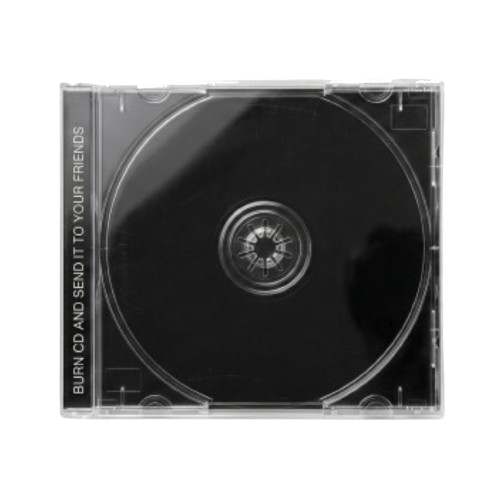
For the train rides, the rainy mornings, and the songs I still owe you.
02 / THE OTHER SIDE
Someone burned you a CD.
That sentence used to mean something.
It meant someone spent an evening choosing songs, changing the order, starting over, and thinking about where you would be when you heard them. Burn CD brings back that feeling without pretending it is still 2003. The case is digital and the player lives in a browser. The intention is the same.
Make one for a friend moving away, someone you miss, someone you just met, or someone who needs a better soundtrack for the week. It can be romantic, ridiculous, nostalgic, or impossible to explain. The mix only needs a person.
03 / HELP
Before you load the tray.
What is Burn CD?
Burn CD is a browser-based mixtape maker. Search for songs, add their 30-second previews to a virtual CD, write a note on the case, and share the finished disc through a link.
Does Burn CD use full songs?
No. Each disc plays short previews supplied by the music catalog. The recipient can use the track list to find the full songs in Apple Music or Spotify.
Do I need an account?
No. You can make and share a CD without signing up. There is no profile to manage and no library to keep organized.
Is it free?
Yes. Creating a CD, previewing it, writing a note, and generating a share link are free.
Can I use Burn CD on my phone?
Yes. Search, burn, playback, notes, and sharing are designed for touch screens as well as desktop browsers.
Can the recipient save the playlist?
They can copy the complete track list with one action. Every track also includes links to find the song in Apple Music or Spotify.
Does a shared CD expire?
The Burn CD link has no scheduled expiration. An individual preview may become unavailable if the third-party music catalog changes later.
Are you affiliated with Apple or Spotify?
No. Burn CD is an independent project. Music names, artwork, previews, and service marks belong to their respective owners.
ONE PERSON AT A TIME